- AI Platforms & Assistants
- OpenAI
- ChatGPT
A much-improved voice experience
Comments (0) ()When you purchase through links on our site, we may earn an affiliate commission. Here’s how it works.
 (Image credit: OpenAI)
- ChatGPT voice mode just got a significant new update
- Voice mode conversations now take place in the main chat window
- You can also see transcribed messages, maps, weather and more
ChatGPT’s voice mode has long been a powerful way to augment your conversations with the artificial intelligence (AI) chatbot, but it’s had a few weaknesses that have held it back.
Now, though, OpenAI has updated ChatGPT to fix some of the major complaints people have had with voice mode, which should make it even more useful than before. Here’s everything you need to know:
1. It now lives inside your chat
You can now use ChatGPT Voice right inside chat—no separate mode needed.You can talk, watch answers appear, review earlier messages, and see visuals like images or maps in real time.Rolling out to all users on mobile and web. Just update your app. pic.twitter.com/emXjNpn45wNovember 25, 2025
- Amazon Black Friday deals are live: here are our picks!
Posting on X, OpenAI explained that you will now be able to use ChatGPT’s voice mode inside the chat module itself, with “no separate mode needed.” That could prove to be an important change that makes your experience much smoother.
You may like-
 How ChatGPT works: A guide to its interface on mobile and web
-
 ChatGPT now runs apps – and it’s about to go from chatbot to full-on operating system
-
 ChatGPT gets apps: now you can book a trip, build slides, and make Spotify playlists without leaving the chat
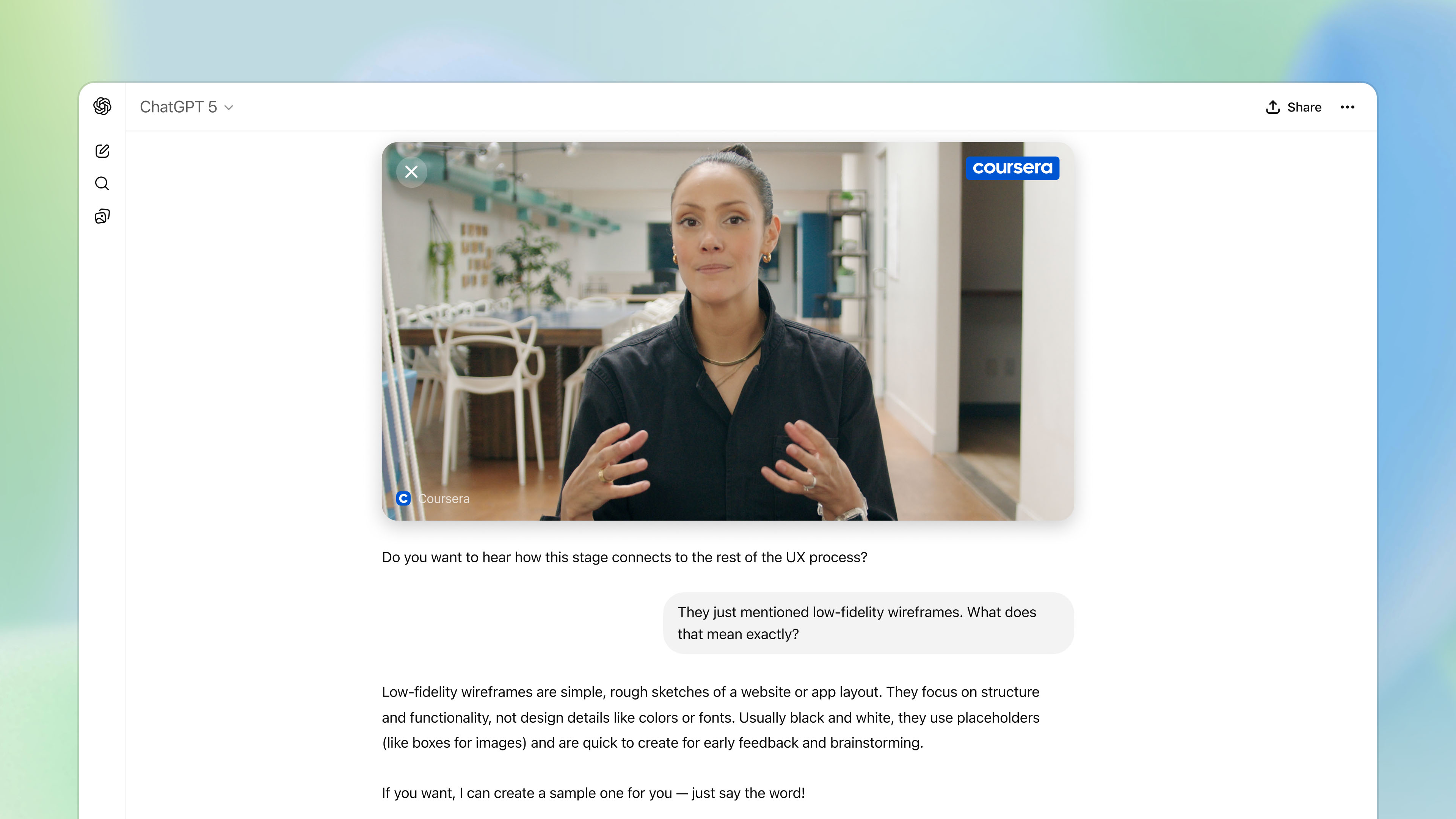
In previous iterations, you could start a text-based conversation with ChatGPT, but as soon as you switched to speaking, the screen would enter a separate voice mode. Now, enable voice chat during a text discussion and ChatGPT won’t miss a beat, continuing the exact same conversation without resetting or starting from scratch.
2. You can still go back to the old interface
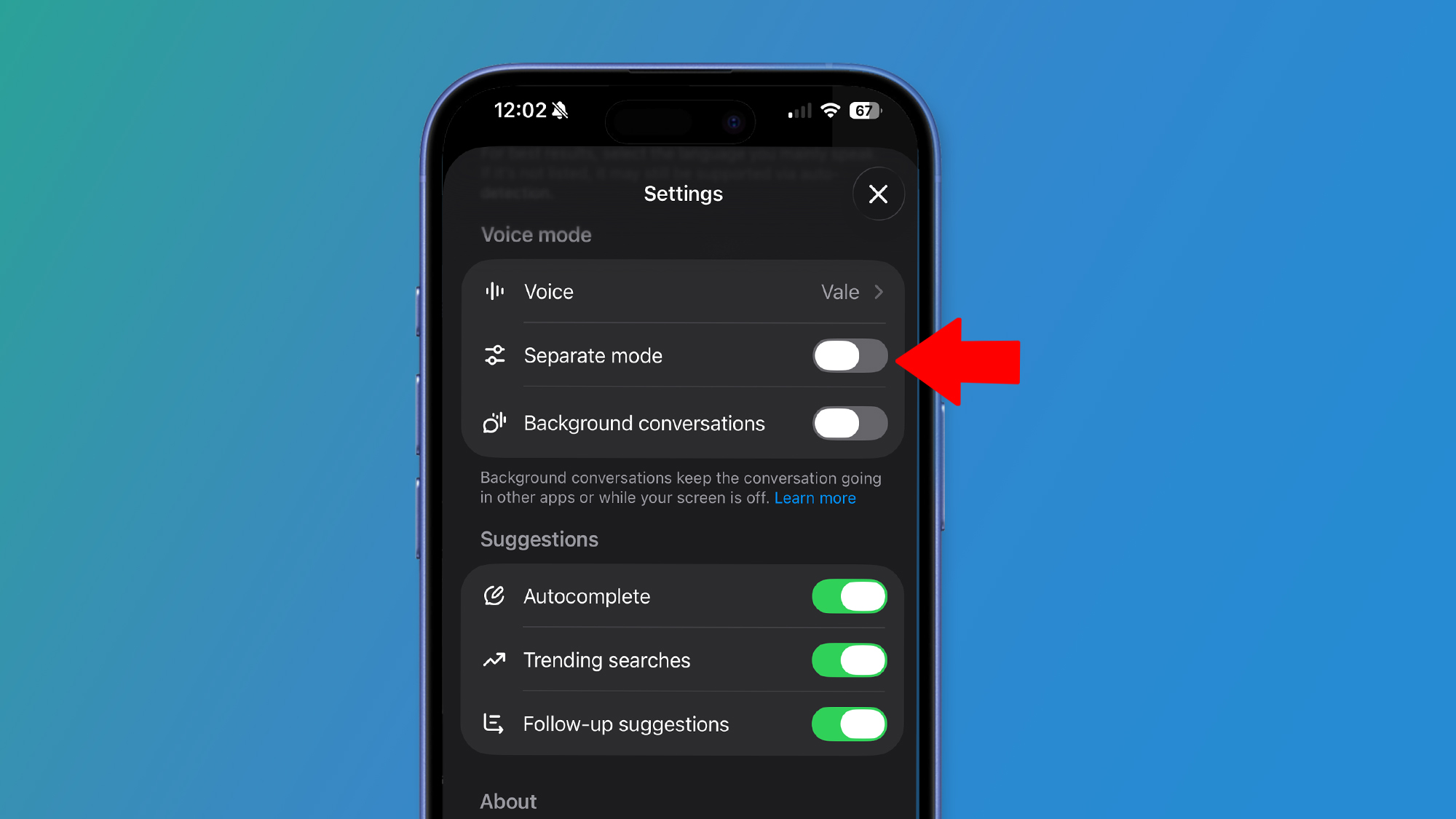
Don’t like ChatGPT’s new way of doing things? That’s OK, because you can still put things back to the way they used to be.
Despite the new interface, you can revert the interface by tapping your account in the bottom-left corner of the app to open Settings, scrolling down to the Voice mode section, and toggling 'Separate mode'.
If the previous layout felt familiar and easier to navigate, this might be something you want to do.
Get daily insight, inspiration and deals in your inboxContact me with news and offers from other Future brandsReceive email from us on behalf of our trusted partners or sponsorsBy submitting your information you agree to the Terms & Conditions and Privacy Policy and are aged 16 or over.3. It’ll show you maps and more
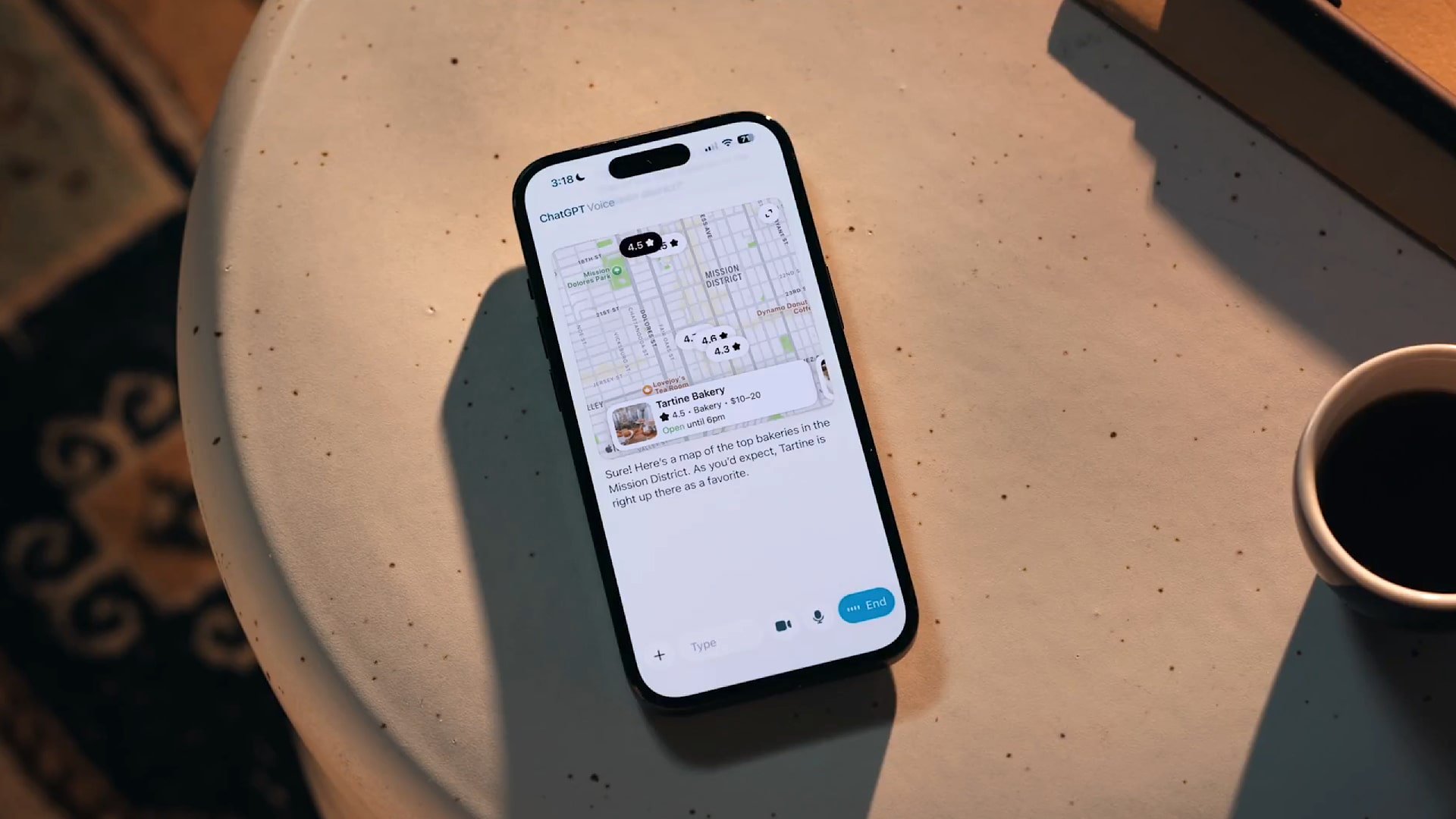
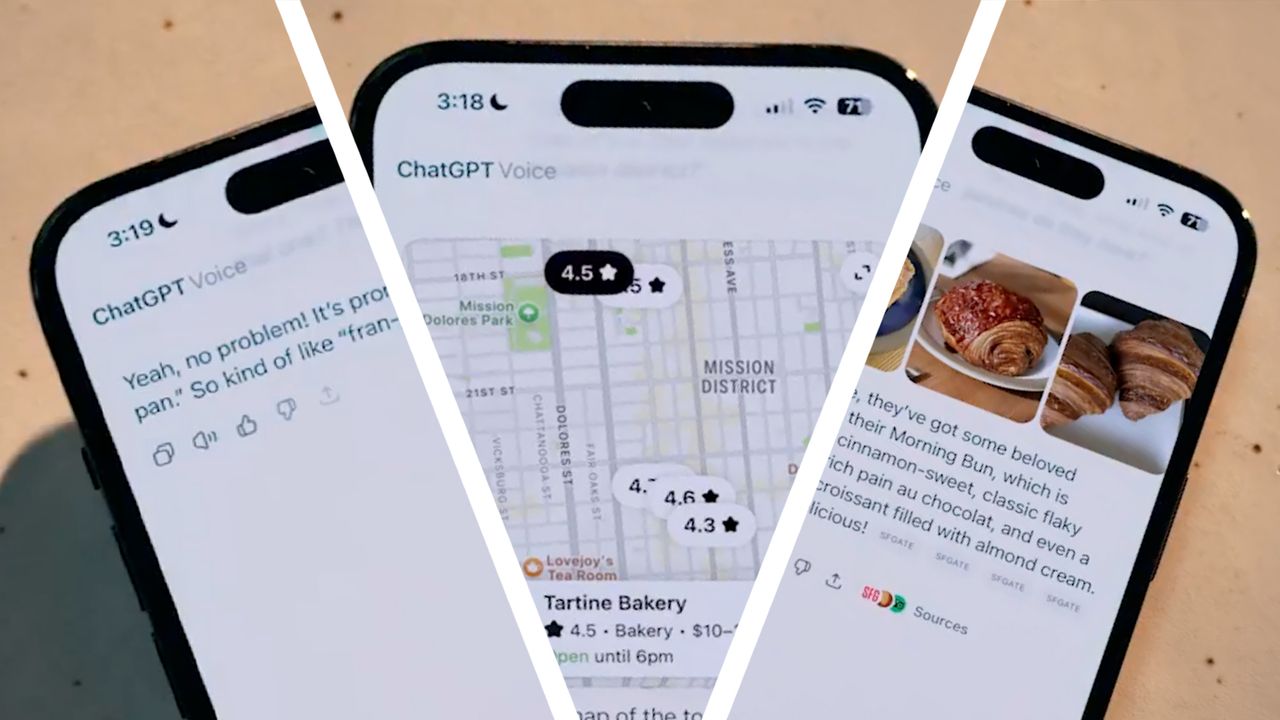
There are other benefits to the new update. Visually, you’ll get a live transcript of your discussion and can review earlier messages after they’ve been completed. Plus, ChatGPT will be able to display the local weather forecast or a requested map within the chat window.
That transforms your voice chats into a sort of hybrid mode that blends voice, text and informative widgets to give you the information you need at a glance.
4. It still uses a different model to chat
There’s something else to be aware of with the updated voice mode: the model that powers it.
You may like-
How ChatGPT works: A guide to its interface on mobile and web
-
ChatGPT now runs apps – and it’s about to go from chatbot to full-on operating system
-
ChatGPT gets apps: now you can book a trip, build slides, and make Spotify playlists without leaving the chat
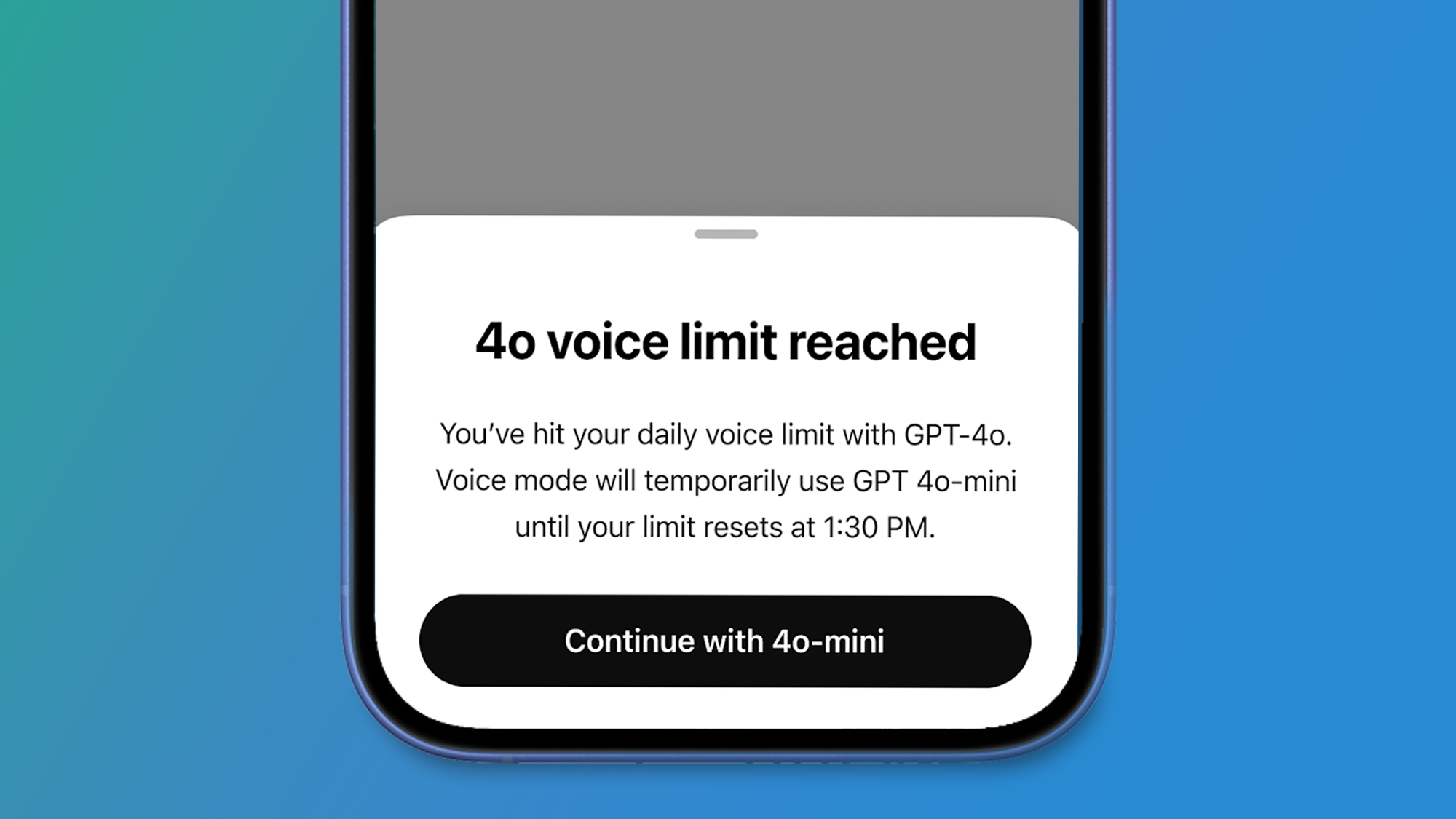
While text-based chats with OpenAI’s bot can be powered using the latest GPT 5.1 model, OpenAI says that voice sessions on paid plans “automatically begin with” GPT-4o, then switch to GPT-4o mini when your GPT-4o minutes have been used up.
GPT-4o is the company’s “most advanced voice model,” but it’s an earlier and less capable model than GPT-5.1 – so even though voice now lives inside chat, you won't get exactly the same experience or answers when using voice mode.
5. Paid subscribers get different voice models
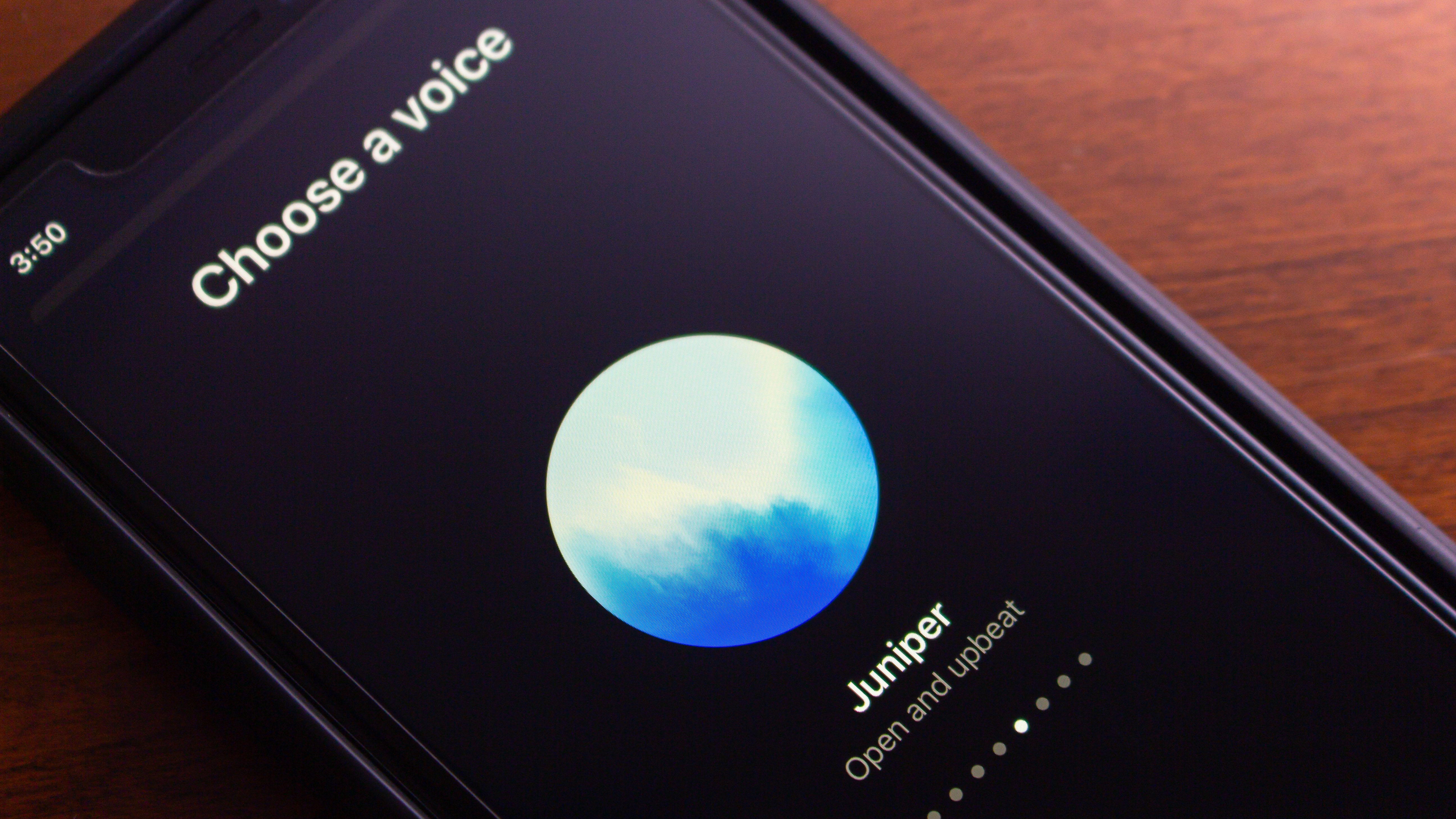
Your usage of voice mode also depends on whether you have a paid ChatGPT plan or not. OpenAI says that for subscribers, “your daily use of ChatGPT voice is nearly unlimited each day” and is powered by GPT-4o, as noted before. Free users, on the other hand, will be placed on the GPT-4o mini model from the start and have limited usage each day.
Regardless of which plan you’re on, you should feel the benefits of the new ChatGPT voice mode update. OpenAI says it’s “rolling out to all users on mobile and web,” and you just need to update your app to take advantage.
Follow TechRadar on Google News and add us as a preferred source to get our expert news, reviews, and opinion in your feeds. Make sure to click the Follow button!
And of course you can also follow TechRadar on TikTok for news, reviews, unboxings in video form, and get regular updates from us on WhatsApp too.
TOPICS AI Alex BlakeSocial Links NavigationFreelance Contributor
Alex Blake has been fooling around with computers since the early 1990s, and since that time he's learned a thing or two about tech. No more than two things, though. That's all his brain can hold. As well as TechRadar, Alex writes for iMore, Digital Trends and Creative Bloq, among others. He was previously commissioning editor at MacFormat magazine. That means he mostly covers the world of Apple and its latest products, but also Windows, computer peripherals, mobile apps, and much more beyond. When not writing, you can find him hiking the English countryside and gaming on his PC.
You must confirm your public display name before commenting
Please logout and then login again, you will then be prompted to enter your display name.
Logout Read more
How ChatGPT works: A guide to its interface on mobile and web
ChatGPT now runs apps – and it’s about to go from chatbot to full-on operating system
ChatGPT gets apps: now you can book a trip, build slides, and make Spotify playlists without leaving the chat
 You can now toggle GPT-5’s thinking time for faster or smarter answers – here’s how to do it
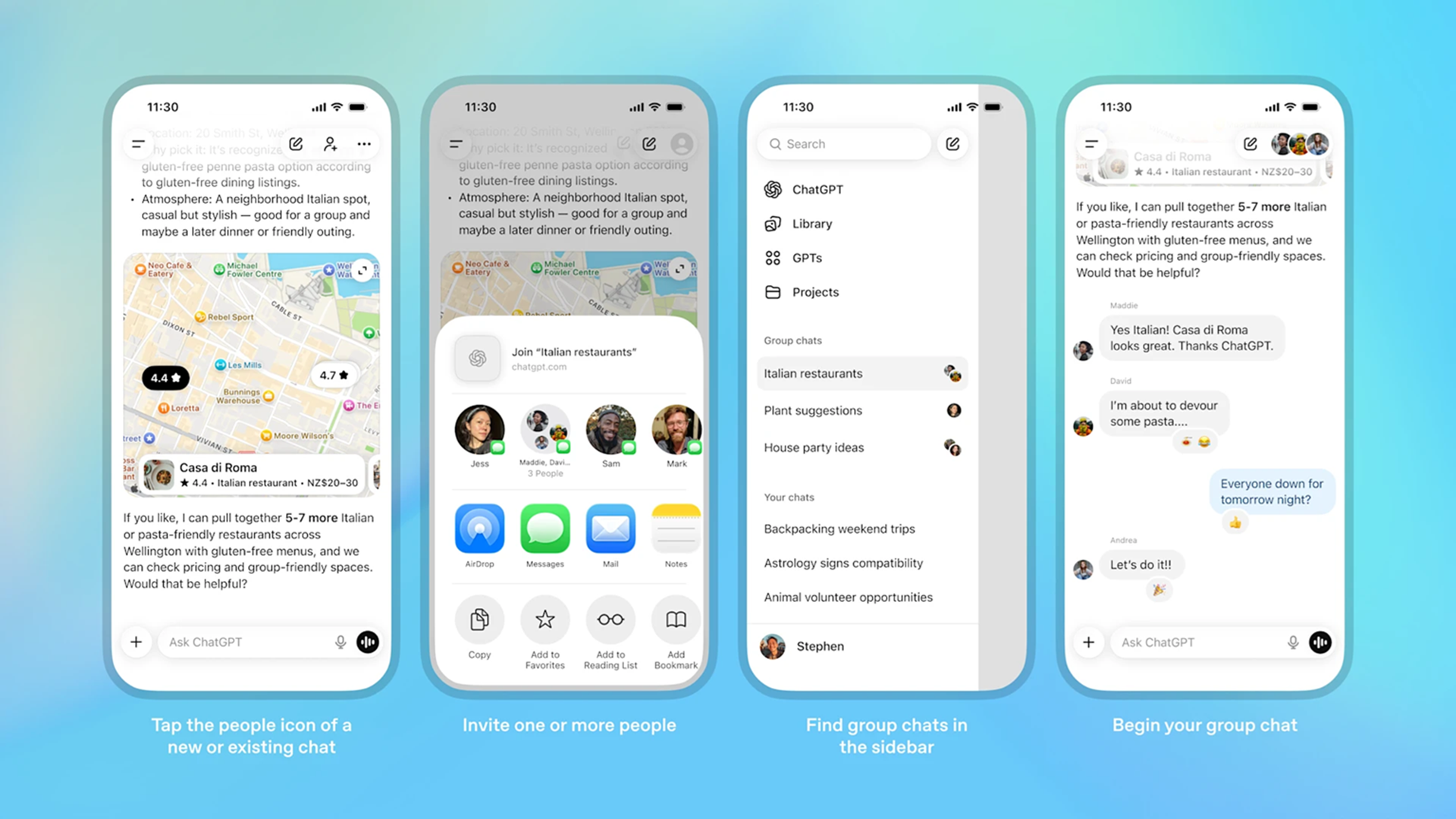 ChatGPT enters the group chat globally
ChatGPT 5.1 could launch soon - 5 features we’d love to see from OpenAI’s next generation chatbot
Latest in ChatGPT
ChatGPT enters the group chat globally
ChatGPT 5.1 could launch soon - 5 features we’d love to see from OpenAI’s next generation chatbot
Latest in ChatGPT
 ChatGPT’s Agent feature lets you assign tasks and walk away – here’s how
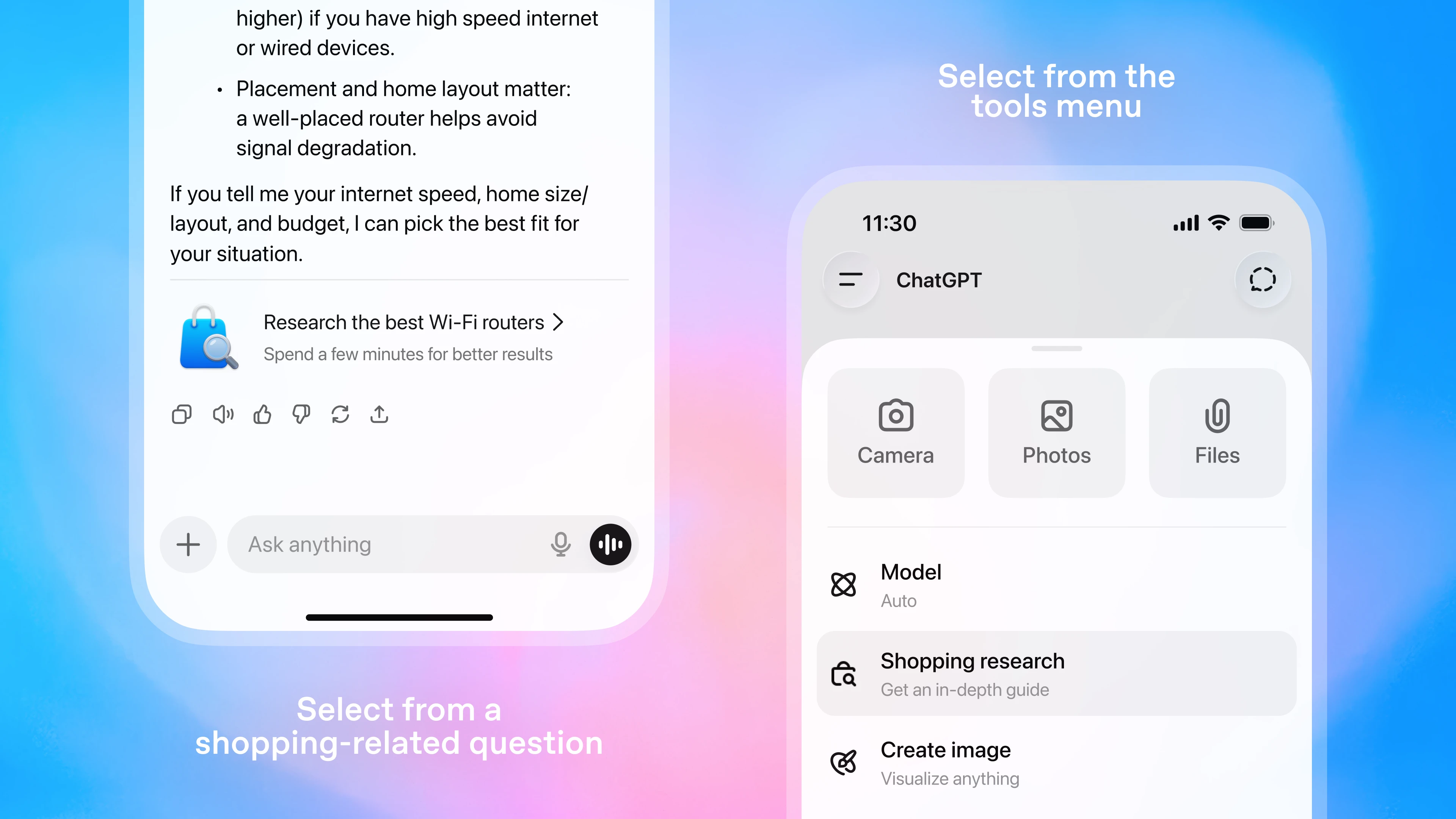 Is ChatGPT's new shopping tool the AI personal shopper I've always wanted?
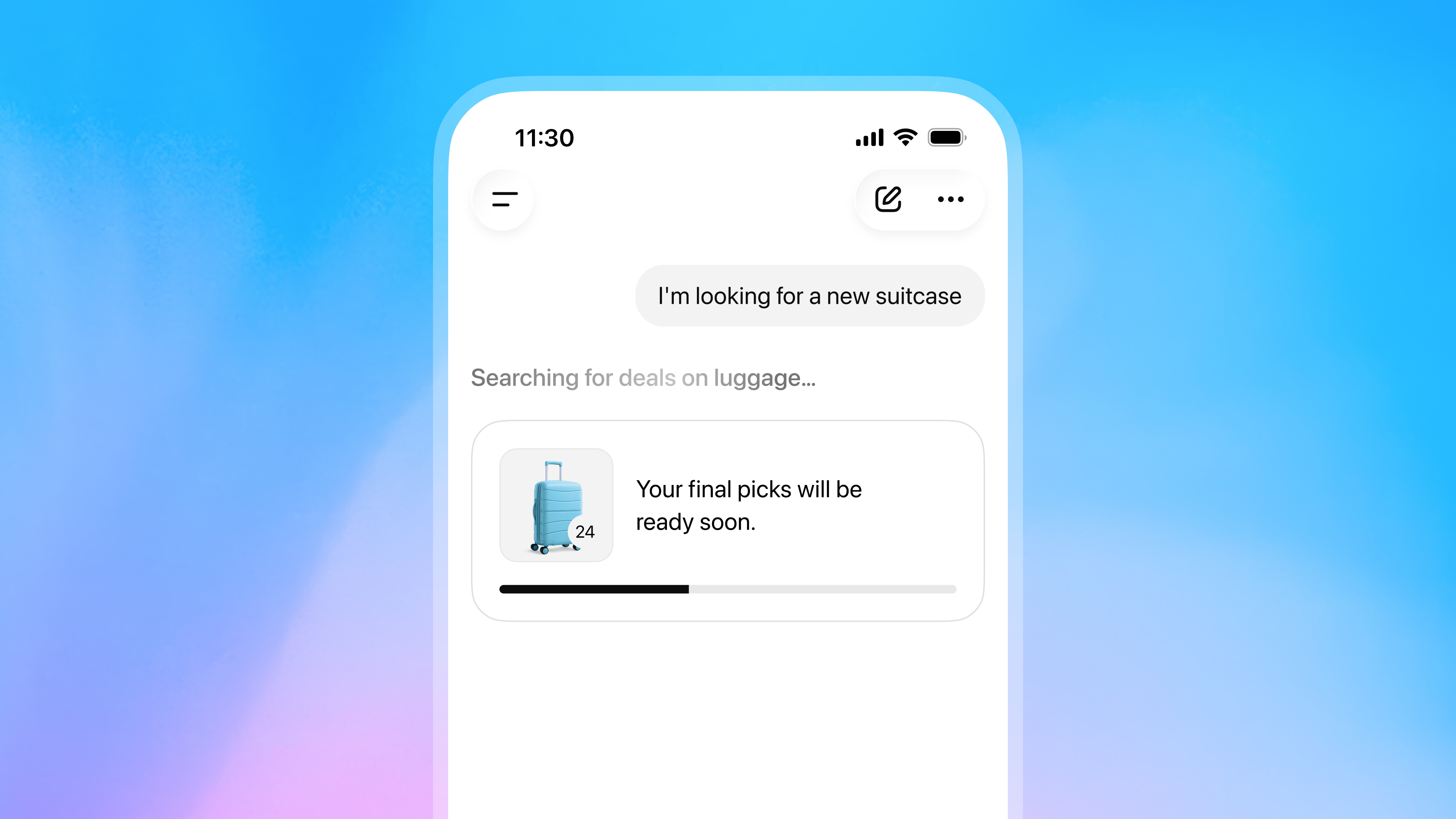 ChatGPT’s new Shopping Research tool compares products for you
 How I used ChatGPT to eat healthier and lose my belly fat
ChatGPT enters the group chat globally
How I used ChatGPT to eat healthier and lose my belly fat
ChatGPT enters the group chat globally
 I used ChatGPT to create a playlist, games, and even plan a quiz night
Latest in News
I used ChatGPT to create a playlist, games, and even plan a quiz night
Latest in News
 What's coming with the Meta Quest 4? We now have more of an idea
5 things you need to know about ChatGPT's big voice mode update
What's coming with the Meta Quest 4? We now have more of an idea
5 things you need to know about ChatGPT's big voice mode update
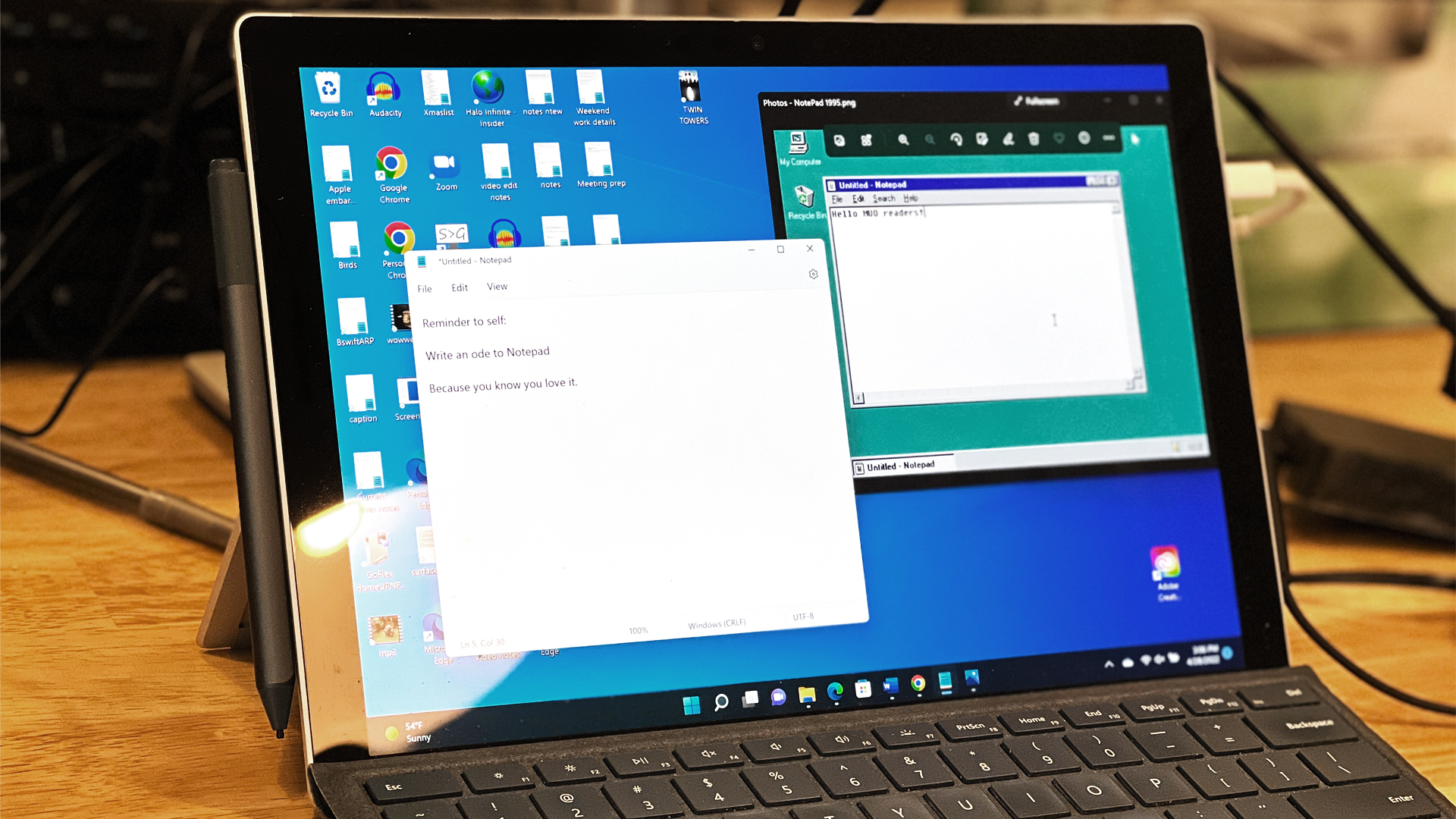 Windows 11's Notepad gets support for tables and bolstered AI powers
 Struggling with high storage costs? Time to get deleting, as study finds up to 50% of data could be unused
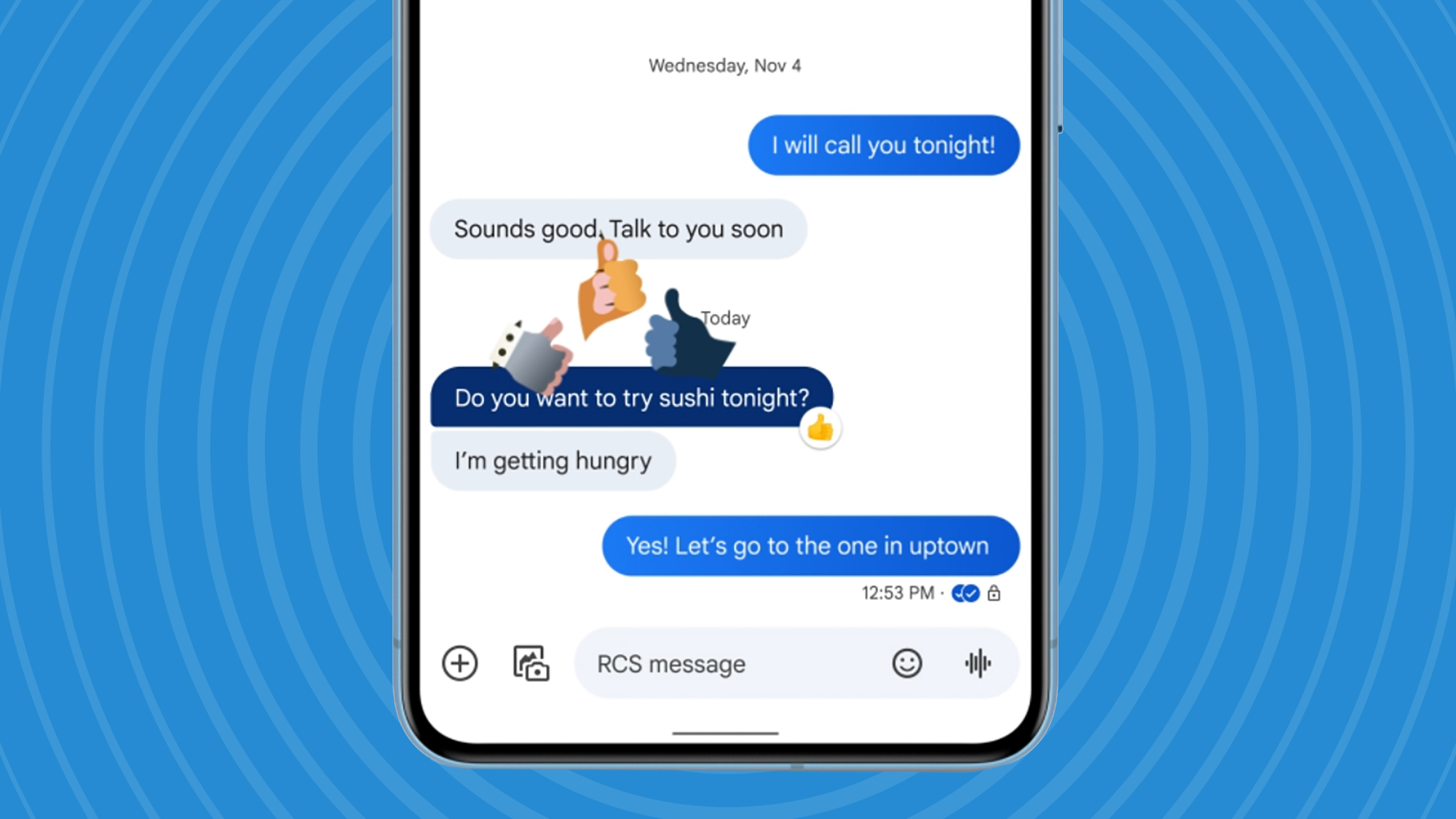 Google Messages could be getting 3 useful upgrades soon – including a Gemini change
 Businesses are struggling to implement "responsible AI" - but it could make all the difference
LATEST ARTICLES
Businesses are struggling to implement "responsible AI" - but it could make all the difference
LATEST ARTICLES- 1NordVPN Prime vs Proton Unlimited – which is the best premium VPN deal this Black Friday?
- 2ChatGPT’s voice mode just got a major upgrade – here are 5 things you need to know
- 3Windows 11's Notepad gets support for tables and bolstered AI powers – and not everyone's happy
- 4The best dash cam 2025: we've tested the finest car cameras for every budget
- 5Fresh Meta Quest 4 rumors hint at specs, pricing, a more lightweight design – and even a new name