- Computing
- Software
- Windows
More useful features, or pointless bloat? Notepad is becoming divisive
Comments (0) ()When you purchase through links on our site, we may earn an affiliate commission. Here’s how it works.
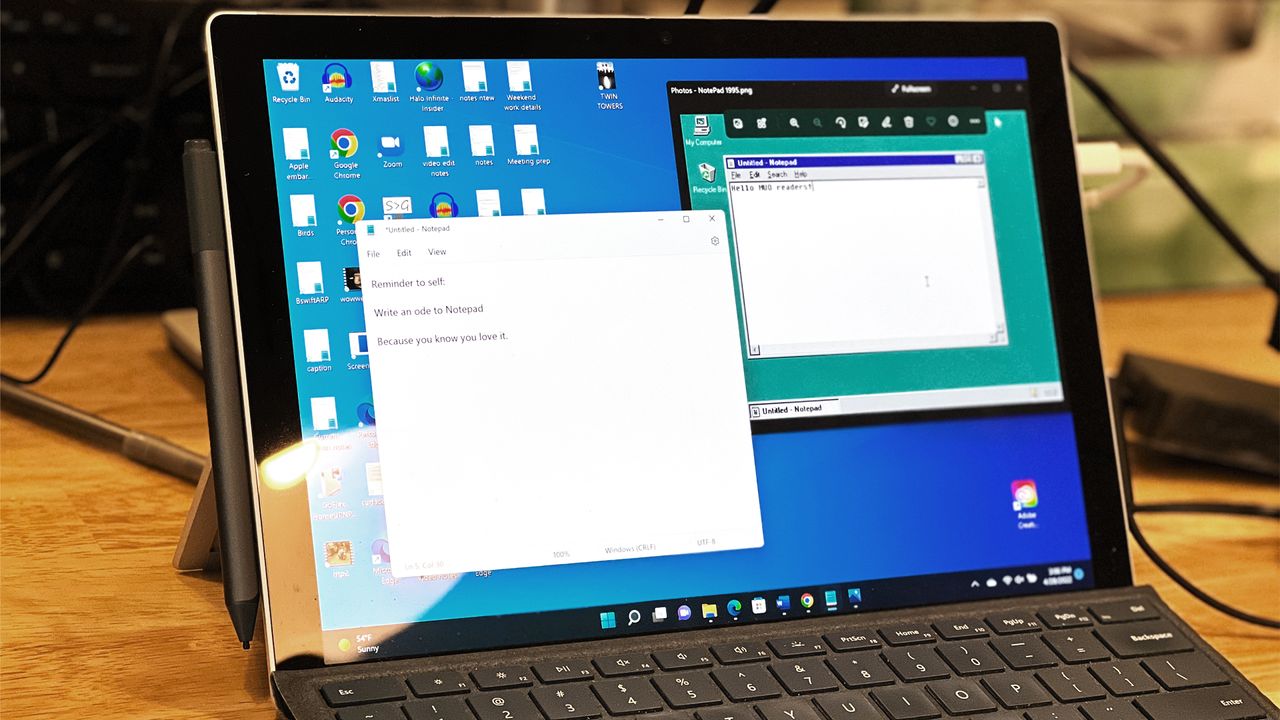
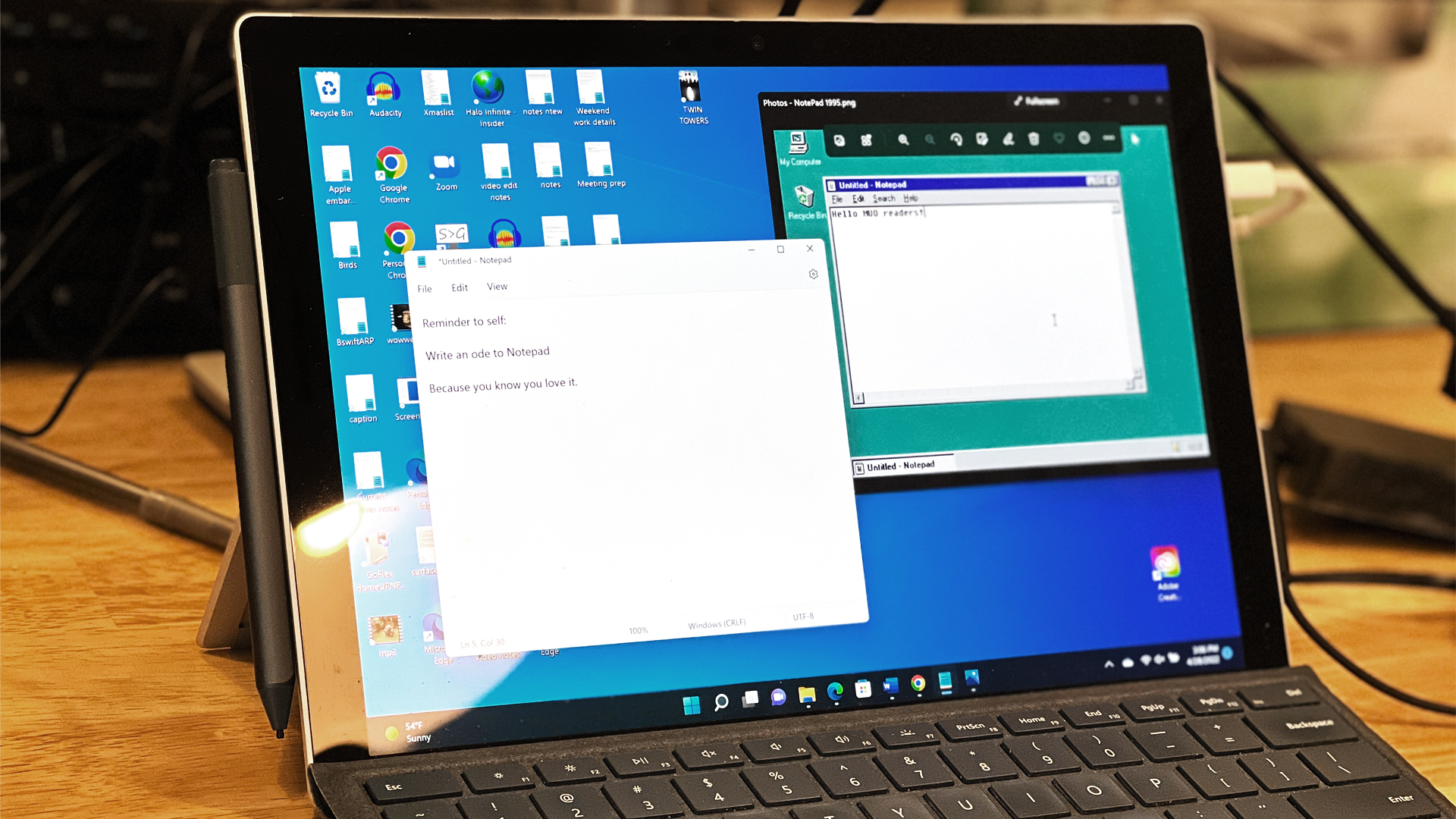 (Image credit: Future / Lance Ulanoff)
- Windows 11's Notepad app has some new features in testing
- The app now supports quickly and easily creating tables
- There are also additional AI powers in the form of on-the-fly previews for text creation and rewriting capabilities
Microsoft is again beefing up Notepad in Windows 11, giving the increasingly not-so-lightweight editor a fresh power in terms of support for tables, and bolstered AI capabilities.
This is present in the new preview of Notepad rolling out to Windows 11 testers in the Canary and Dev Channels, as Microsoft explains in a blog post.
- Amazon Black Friday deals are live: here are our picks!
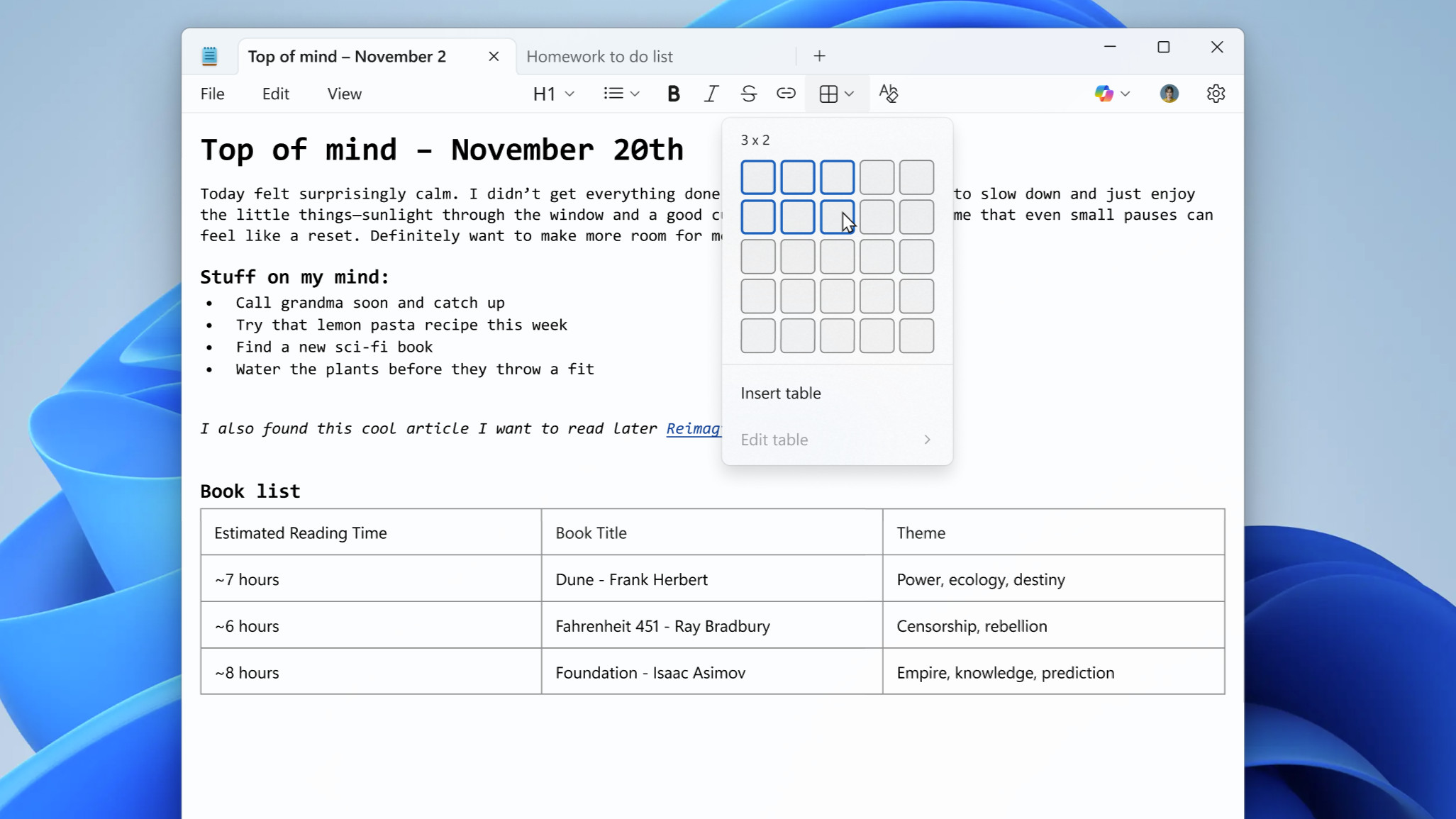
The big move is that tables have arrived in Notepad, with the option to create these having been added to the formatting toolbar.
You may like-
 Windows 11's Paint app could soon create animations for you with AI, and boast a Nano Banana-style 'generative edit'
-
 Windows 11 is getting these two nifty AI upgrades for Copilot+ PCs – and one change that might really annoy people
-
 Microsoft is preparing to 'accelerate' development of Windows 11's AI features, starting with the Paint app
They work just as you'd expect, and you can quickly insert a table into a document, choosing the size from a visual grid interface. As Microsoft notes, right-clicking on a table gives you quick edit options to add or remove rows or columns.
On the AI front, the new spin here is 'streaming results' for the Write, Rewrite, and Summarize features, which do what they say on the tin (create new text, rewrite an existing piece of copy, or provide a summary of something).
'Streaming results' means that the text the AI is writing (or rewriting) appears on-the-fly in a preview window, letting you start to review it (or change it) more swiftly.
Analysis: worries around bloat and performance

This is a useful touch for those who use the AI abilities now provided in Notepad, no doubt, although there is a slight catch – namely that streaming results for Rewrite is only possible on a Copilot+ PC (using the NPU for local on-device processing), at least for now. You'll also need to be signed into a Microsoft account to use any of this AI functionality in Notepad.
Get daily insight, inspiration and deals in your inboxContact me with news and offers from other Future brandsReceive email from us on behalf of our trusted partners or sponsorsBy submitting your information you agree to the Terms & Conditions and Privacy Policy and are aged 16 or over.Tables might be handy for some folks, too, and the way they're implemented with that grid interface is quite similar to how they work in Microsoft Word.
However, the addition of more features to Notepad is sure to provoke the ire of those who just want this editor to be a completely minimalist affair, to keep it streamlined and working (and loading) as responsively as possible. I use Word, personally, so I want Notepad left alone as a truly lightweight alternative – its original design concept – although I realize that's not going to be true for everyone, of course.
Still, there's no shortage of people complaining that Notepad is in danger of becoming bloated – or indeed, that this is already pretty much the case, as has been made clear in the past – but it doesn't seem like Microsoft is done adding features.
Indeed, having canned WordPad – which was the halfway point between Notepad and the full Word experience – back in 2024, Microsoft appears to be slowly making Notepad more like its now-departed sibling.
 The best computers for all budgetsOur top picks, based on real-world testing and comparisons
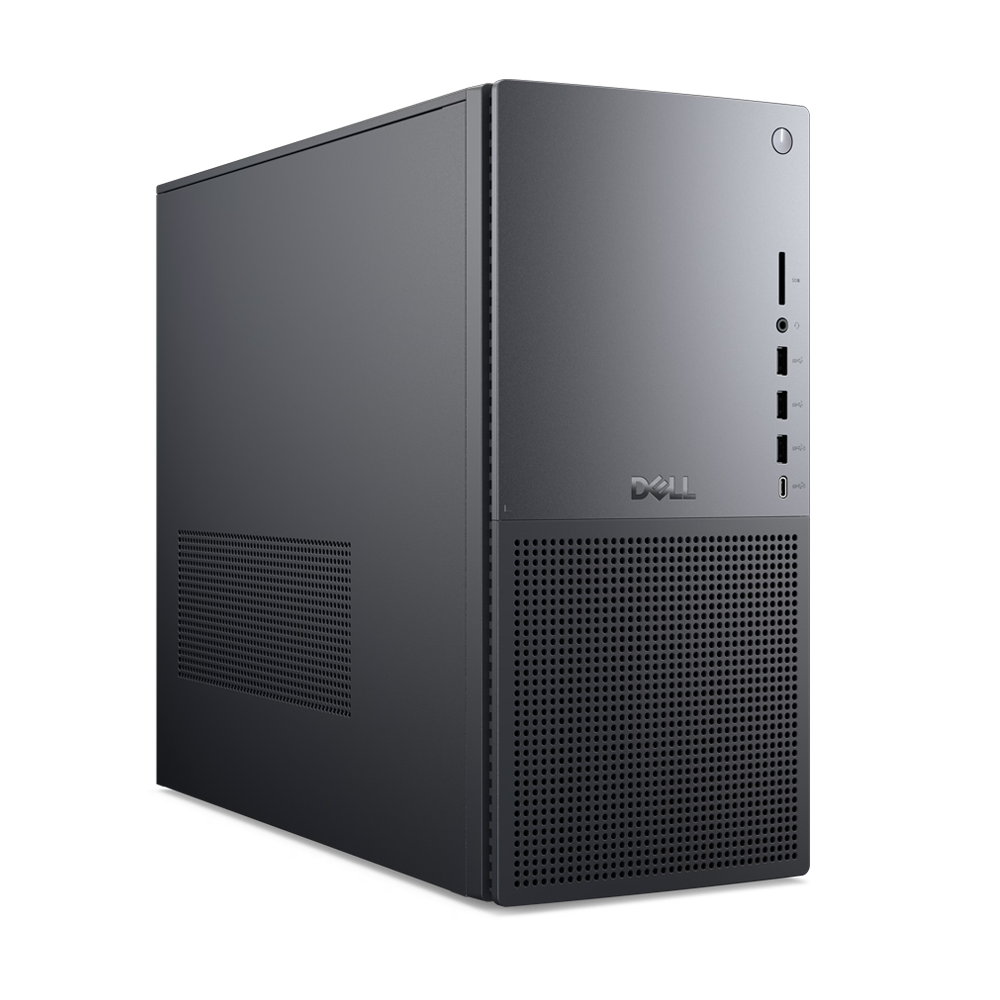
➡️ Read our full guide to the best computers1. Best Windows: Dell Tower Plus2. Best Mac: Apple Mac mini M43. Best Mac AIO:Apple iMac 24-inch (M4)
Follow TechRadar on Google News and add us as a preferred source to get our expert news, reviews, and opinion in your feeds. Make sure to click the Follow button!
And of course you can also follow TechRadar on TikTok for news, reviews, unboxings in video form, and get regular updates from us on WhatsApp too.
TOPICS Windows 11 Linux Windows 10 Darren AllanDarren is a freelancer writing news and features for TechRadar (and occasionally T3) across a broad range of computing topics including CPUs, GPUs, various other hardware, VPNs, antivirus and more. He has written about tech for the best part of three decades, and writes books in his spare time (his debut novel - 'I Know What You Did Last Supper' - was published by Hachette UK in 2013).
You must confirm your public display name before commenting
Please logout and then login again, you will then be prompted to enter your display name.
Logout Read more
Windows 11's Paint app could soon create animations for you with AI, and boast a Nano Banana-style 'generative edit'
Windows 11 is getting these two nifty AI upgrades for Copilot+ PCs – and one change that might really annoy people
Microsoft is preparing to 'accelerate' development of Windows 11's AI features, starting with the Paint app
 Think Copilot in Windows 11 is useless? This new feature could change your mind
 Microsoft's improving Windows 11's File Explorer in many ways – and adding a 'highly requested' feature that might surprise you
 Evernote unveils its biggest update yet- and unsurprisingly there's AI involved
Latest in Windows
Evernote unveils its biggest update yet- and unsurprisingly there's AI involved
Latest in Windows
 A Linux OS has got a million downloads since Windows 10 support ended
 Fed up with sluggish folders in Windows 11? Microsoft says it's fixing this
 Microsoft flexes on Copilot's coding skills and an anti-AI barrage ensues
 Microsoft exec says cynics about AI in Windows 11 are 'mind-blowing to me'
 Microsoft reveals new plan to make your Windows 11 PC more reliable
 Microsoft tries to soothe fears as it prepares to test 'agent workspaces'
Latest in News
Microsoft tries to soothe fears as it prepares to test 'agent workspaces'
Latest in News
 What's coming with the Meta Quest 4? We now have more of an idea
Windows 11's Notepad gets support for tables and bolstered AI powers
What's coming with the Meta Quest 4? We now have more of an idea
Windows 11's Notepad gets support for tables and bolstered AI powers
 Struggling with high storage costs? Time to get deleting, as study finds up to 50% of data could be unused
 Google Messages could be getting 3 useful upgrades soon – including a Gemini change
 Businesses are struggling to implement "responsible AI" - but it could make all the difference
 Garmin posted a teaser for a new wearable 'coming soon' – then deleted it
LATEST ARTICLES
Garmin posted a teaser for a new wearable 'coming soon' – then deleted it
LATEST ARTICLES- 1Windows 11's Notepad gets support for tables and bolstered AI powers – and not everyone's happy
- 2The best dash cam 2025: we've tested the finest car cameras for every budget
- 3Fresh Meta Quest 4 rumors hint at specs, pricing, a more lightweight design – and even a new name
- 4The best student laptops in 2025: our top tested choices for college and school
- 5We tested the malware blocking capabilities of your favorite VPNs – here’s the best that you can save on right now